Skip to services

Online flipbook catalogue

Online flipbook catalogue.
From your finished PDF.

I create a flipbook catalogue from your existing publication so prospective customers can explore your range on phones and computers. I shape its presentation, navigation and next steps around your own material.

A product catalogue, company introduction or event programme: your completed pages can take on a new form online.
For a nonprofit? Conversion of your existing PDF is free.

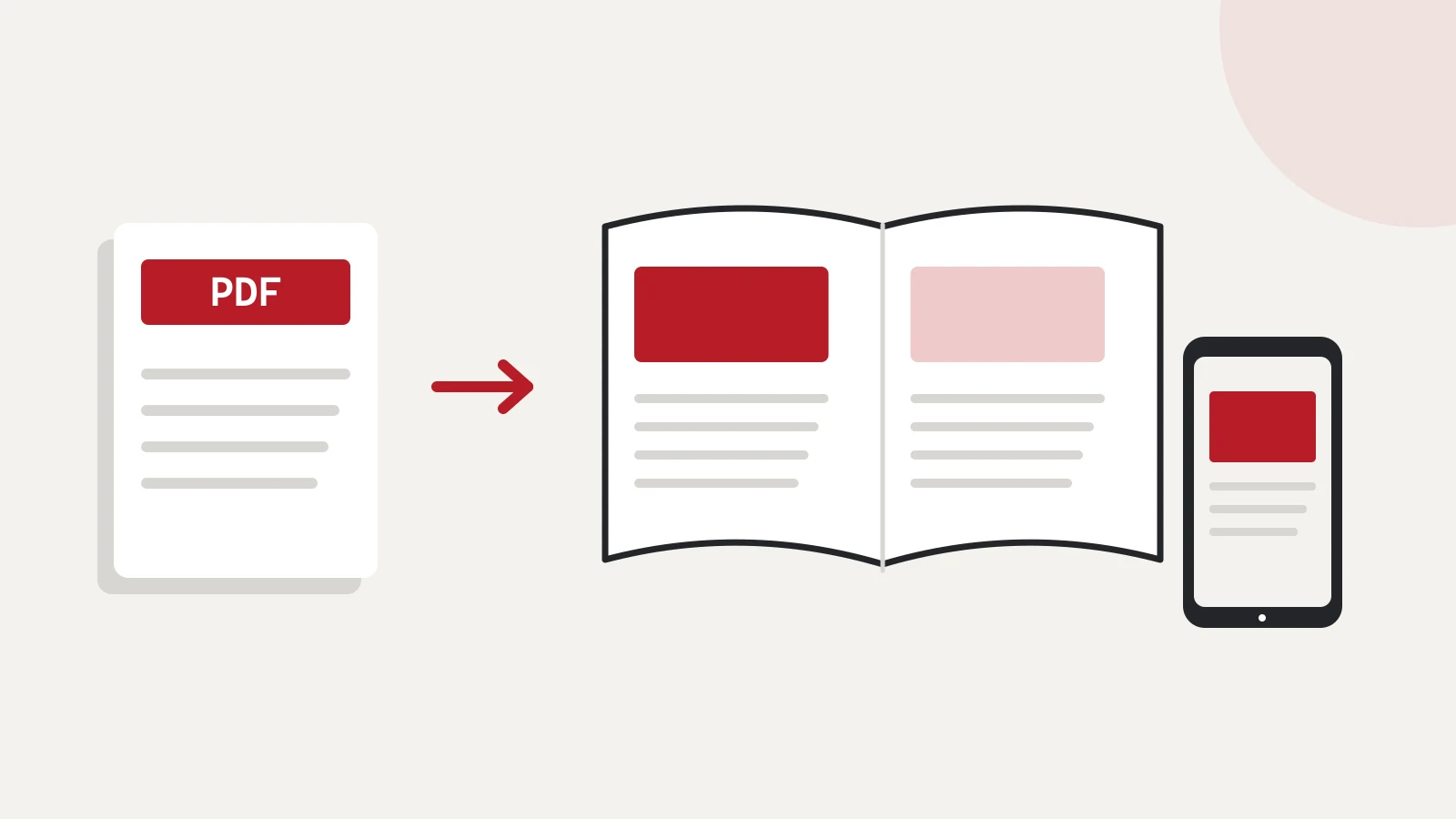
A schematic illustration of an existing PDF becoming a flipbook and being viewed on a phone.
PDF → flipbook → a presentation to share. Illustrative diagram.
From your existing PDFOn phones and computersTailored to your brand

From presentation to the next step

Visual pages. Content that is easy to explore.

A useful catalogue lets readers browse, find specific information and take the next step. I select the agreed features around what you want your publication to do.

Page turning and zoom

Alongside browsing the pages as a publication, readers can zoom in on images, product details and descriptions whenever they want a closer look.

Contents and page previews

Chapters and thumbnail previews help readers reach the relevant section without having to turn through every page.

Search within the publication

Readers can search for a product name or phrase if the source PDF contains searchable, real text.

Clickable next steps

Links can lead to your product pages, further information or contact options. You decide where it makes sense for interested readers to go next.

An interface that fits your brand

I tailor the reading interface to your business identity using the colours, background and logo we agree on.

Share a link or embed it

You can send the catalogue link in a message or include it in a post. The publication can also be presented within your website.

Technical details on navigation and sharing: reader features · presentation and sharing.

At hand on a phone too

Responsive presentation for real reading situations

After a meeting, a prospective customer can return to the catalogue on their phone. The view adapts to the display: mobile portrait orientation can show a single page and landscape a spread, with touch controls for page turning and zoom.

The original PDF layout is retained. I therefore check smaller text, tables and contact details using the actual material, giving usability attention alongside visual presentation.

More about the mobile experience · Source PDF recommendations
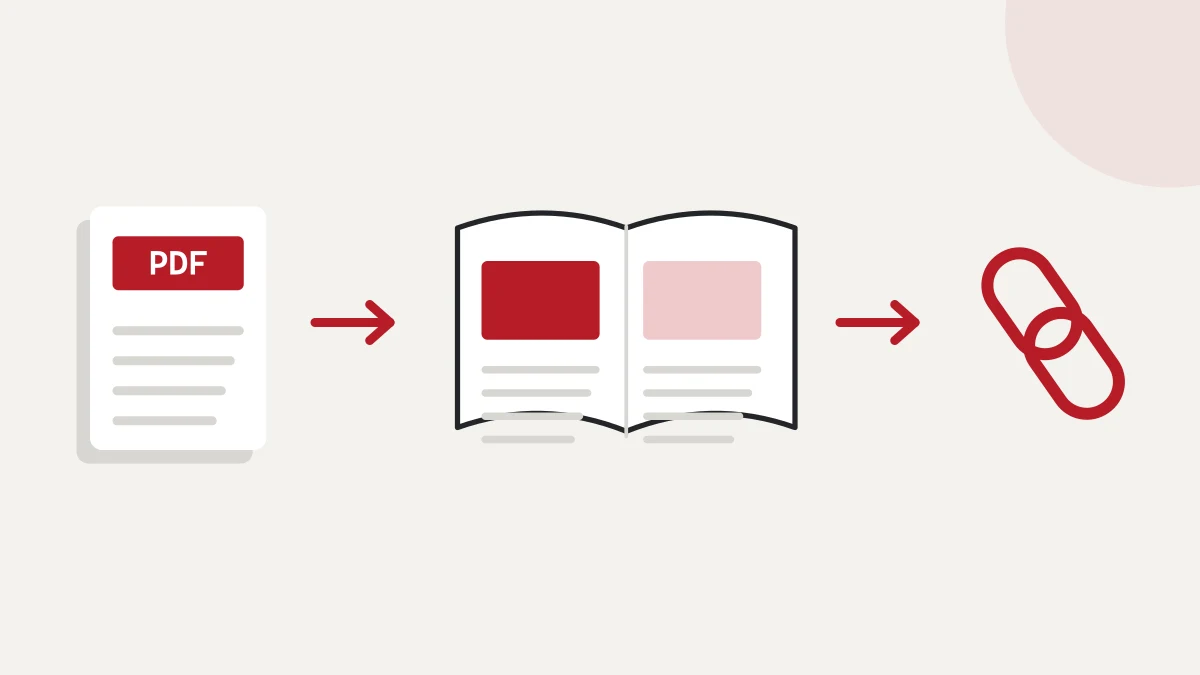
A PDF becomes a flipbook that can be shared through a link.
Your existing publication becomes a presentation to share online. Illustrative diagram.

For different kinds of content

What material can become an online publication?

Product and service catalogues

Present your range, images and related descriptions together. A seasonal collection can also be shared as a publication in its own right.

Company introductions and portfolios

Your story, work and visual identity can come together to present your business. After a conversation, prospective customers can return to the same material.

Reports, brochures and event programmes

The sequence of pages you have already prepared guides readers through the information. You can link to the publication from your website and messages.

Nonprofit PDF conversion · free of charge

For nonprofit organisations

Free conversion of your existing PDF

If your organisation's introduction, annual report or event programme is ready, tell me what material you have and who you want to share it with. We will then discuss the publication and how to make it available.

Conversion of your existing PDF is free.

For nonprofit organisations, converting the existing PDF is free of charge. Publication arrangements are agreed separately.

Discuss a nonprofit publication

How it comes together

Three steps to your own catalogue

01

I learn about your material and goal

We discuss the publication's subject, audience and intended use. I review your existing PDF, and we agree on the required features, presentation and tasks.

02

I create the flipbook

I build the publication and agreed reading interface from the approved PDF. I check its navigation, links and mobile presentation.

03

We agree on publication arrangements

We discuss where and how readers will access the catalogue. We separately clarify who manages that location and how updates from later PDF versions will be handled.

Questions before you start

Questions worth clarifying before we start

What do you need for our first discussion?

The publication's title or subject, page count and intended use. If the PDF is already public, you can include its link. You do not need to arrive with a finished technical specification.

Will the existing PDF layout be retained?

Yes. The PDF's content and layout are the starting point. The reading interface can be tailored separately to your brand, and I check on-screen readability using your own material.

Can people buy through the catalogue?

Links can take readers to product pages or an enquiry. If you also need a cart and order handling, we discuss a related online store solution separately.

Where will it be available, and how will it be updated?

We agree on where and how to publish it at the start. Later changes and the handling of new PDF versions are also clarified separately around the specific task.

Start with your own material

Already have a publication? Tell me how you want to use it.

Send its subject, page count and who you want to share it with. These details can start the conversation about your own online catalogue.

Your next step

Ask about my catalogue

The contact form will have “Online shop or digital catalogue” preselected. You can include a public link to your PDF in the message.