
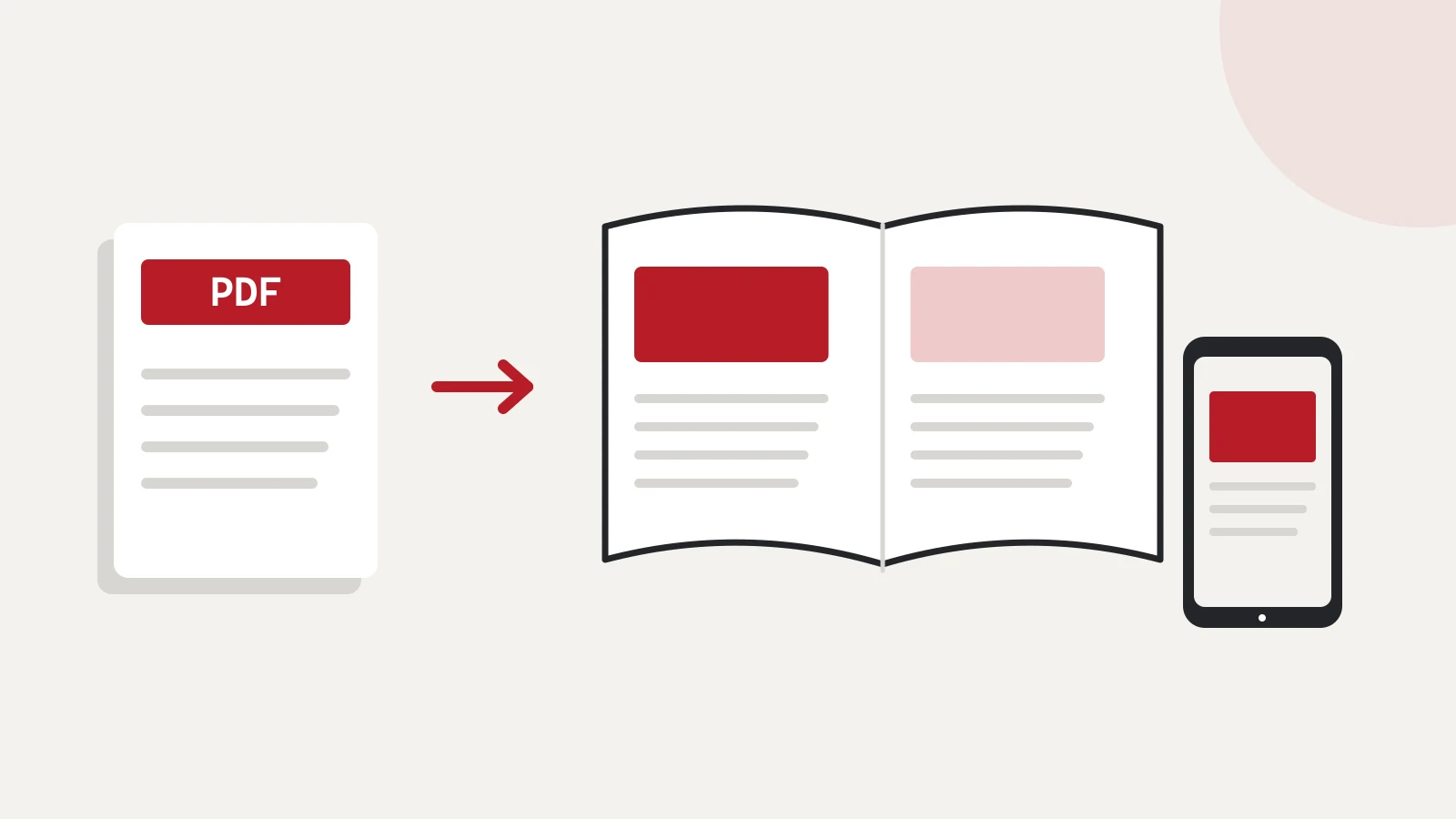
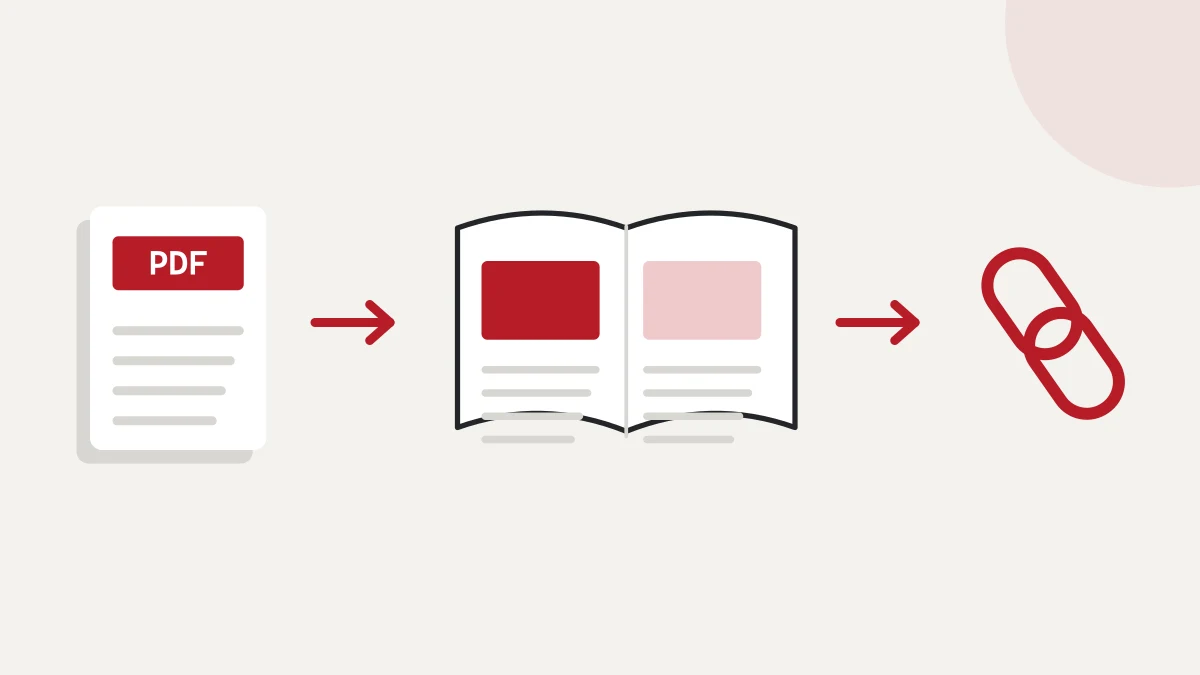
Present your range in a way people will want to explore. I turn your existing PDF into an online flipbook catalogue: your designed pages become a browser-based publication that you can make available from your website and through a shareable link.
The finished catalogue can introduce a sales conversation, present your business or bring together a new collection. Readers can browse your range, find the section that interests them and move on to a product page or an enquiry. I shape the publication around that journey.
Visual presentation with a considered reading journey
Alongside the page-turning experience, the details that help people find their way and take the next step matter. I select suitable features and presentation around your material, your audience and the scope we agree on.
- Page turning and zoom
Readers can browse the pages as a publication and zoom in on images and details. On desktop, full-screen viewing is also available where the browser supports it.
- Contents and page previews
Chapters and thumbnail previews help readers jump to the point where they want to continue browsing.
- Searchable content
A product name or phrase can take readers to relevant content. This requires real text in the source PDF.
- Clickable next steps
Links can lead to a related product page, a detailed introduction or your contact options. Readers do not have to look up your contact details separately.
- A look that fits your brand
Agreed colours, backgrounds and your logo can align the catalogue with your business identity and the range it presents.
- Ready to share or embed
You can send the publication link by email, include it in a social post or present the catalogue within your own website.
Responsive presentation on phones, tablets and desktop computers
After a meeting, a prospective customer can revisit the material on their phone. The view adapts to the screen: on mobile, portrait orientation can show a single page and landscape a spread, with touch controls for page turning and zoom. Readers can browse the publication on a smaller display too.
The original PDF layout is retained, so I check readability using your actual content. Small text, tables and important contact details receive particular attention. The aim is to make your presentation easy to follow in the situations where people will use it.
What kinds of material can you present this way?
A product or service catalogue: when you want readers to see the range, images and related descriptions together. You can also send a seasonal collection to your partners as a publication in its own right.
A company introduction or portfolio: when your story, work and visual identity combine to explain what you do. After a conversation, a prospective customer can return to the same material.
An event programme, report or brochure: when the sequence of pages you have already prepared gives the information its structure. You can then link to the material as one publication from your website and messages.
Getting your own online catalogue started
For our first discussion, describe the material, who it is for, its page count and where you want to share it. If the PDF is already public, you can include its link. We can then discuss which features would help your readers and what presentation suits the publication.
Your existing PDF is the starting point. We clarify the current version, important links and where you want interested readers to go next. Once the catalogue is created, I review its page turning, navigation and mobile presentation using the actual material.
We agree separately on where and how to publish it, as well as how later updates will be handled. This lets us consider how the next version will be managed alongside the initial presentation.
For nonprofit organisations, converting the existing PDF is free of charge. Publication arrangements are agreed separately. Read more in the article about nonprofit publications.
Get more from your existing PDF
Enquire about creating your flipbook catalogue and include the title, page count and how you plan to use it. We will then discuss your own publication and a suitable way to present it.
Technical background on reading features: mobile presentation and finding your way around a publication.